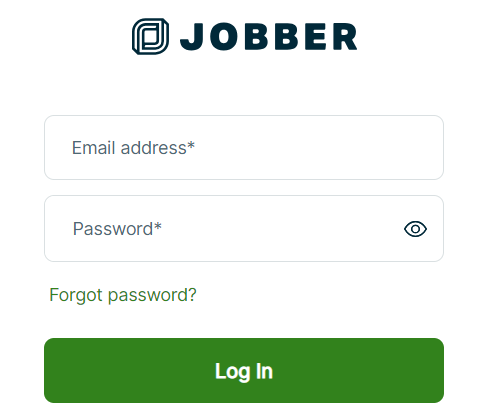
Use your login credentials to access your Jobber dashboard.
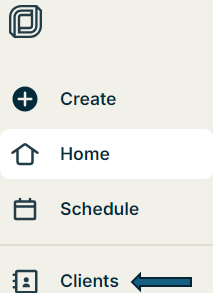
On the left-hand side of the dashboard, click on the Clients tab.
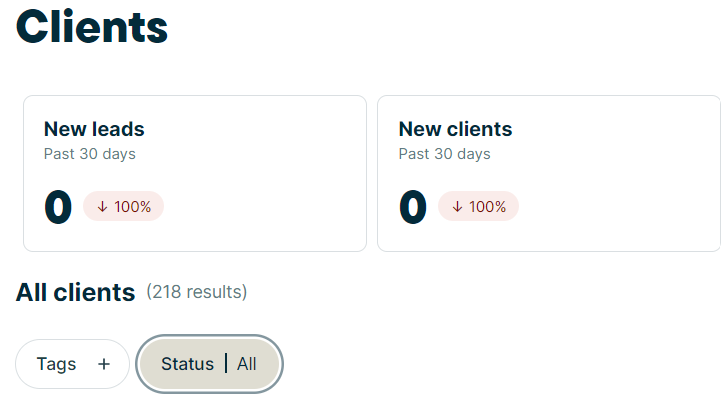
Ensure that the status label is set to display All clients.
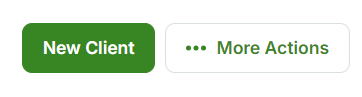
In the top-right corner, click on the More Actions button.
From the dropdown, select Export.
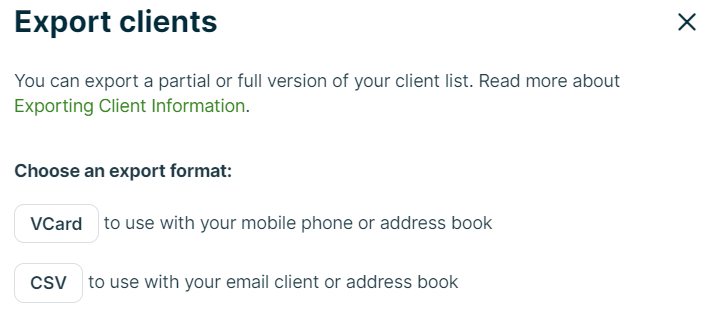
In the pop-up window, choose CSV as the file format.
The file will be emailed to you once the export is complete.
Once you receive the email, download the CSV file.
Provide a meaningful name for the file (e.g., Customers_2024.csv) and save it to your computer.
On the left-hand side of the dashboard, select Invoices.
Follow the same steps as outlined for Clients:
Click More Actions in the top-right corner.
Select Export.
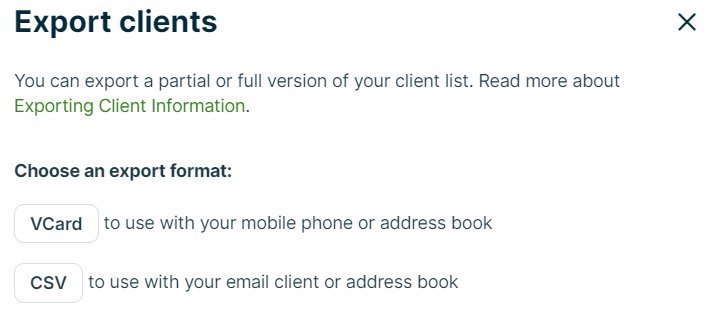
Choose CSV format in the pop-up window.
The CSV file will be emailed to you once the export is complete.
Once you receive the email, download the CSV file.
Provide a name for the file (e.g., Invoices_2024.csv) and save it to your computer.
If you encounter any issues during the export or file-saving process, please contact Jobber support or consult their help resources for assistance.
