Steps to Register for a Class
Open the Training Portal
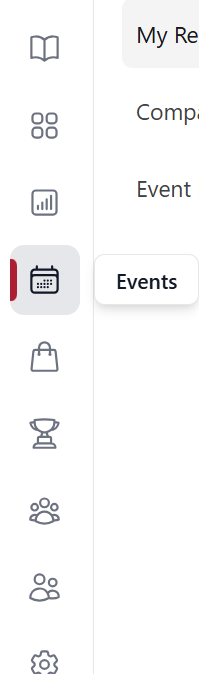
From the left-hand menu, select Events.
View Upcoming Sessions
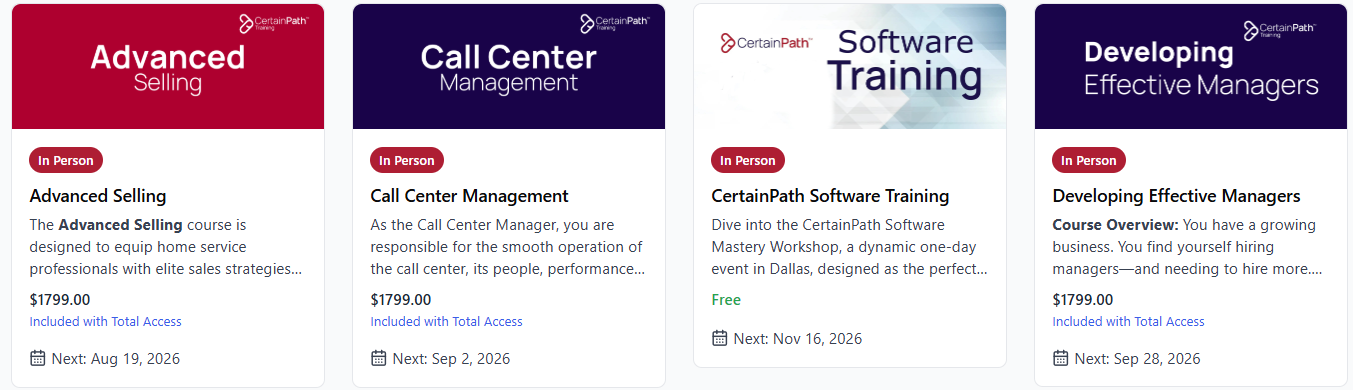
Select Event Directory to see available upcoming sessions. You can then select a course and it will open a list of dates we have sessions for that class.
The most recent scheduled session will appear on the bottom left corner of the session:
Choose a Session
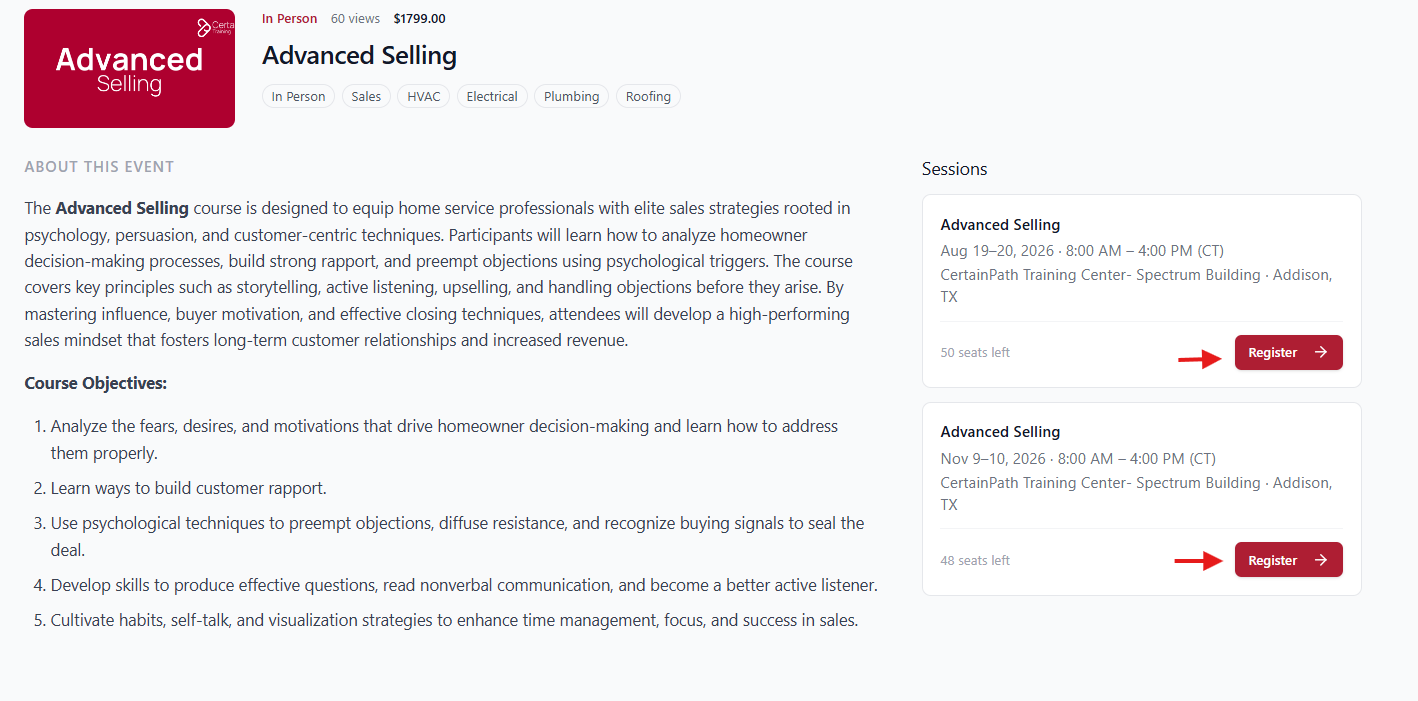
Click on the session you want to register for.
Enroll Users:
Choose the user(s) you want to add to the session.

Select Next.
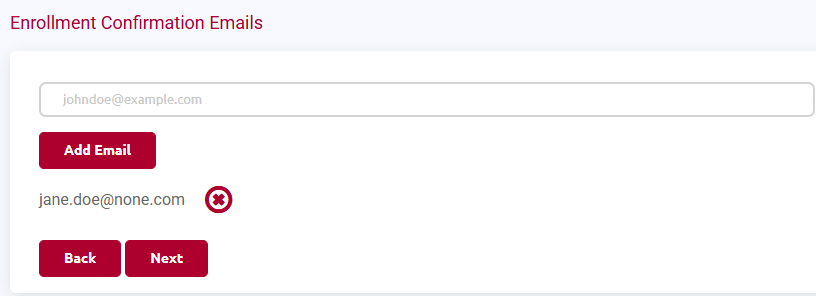
Send Email Confirmations (Optional)
You will see a screen where you can send confirmation emails.
The registered user’s email will automatically be included (if they have an email on file).
You can also add your own email if needed.
Select Next.
Review and Complete Registration
Review the list of users you assigned to the session.
To finish:
Select Check Out to complete payment

ORIf you are a LATA member, you will see Confirm Registration instead.