
Steps to Add a User
Open the Training Portal
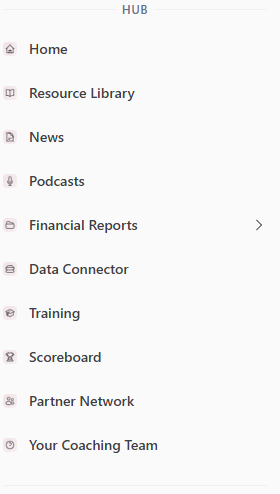
From the left-hand menu, select Training.
Go to Manage Users
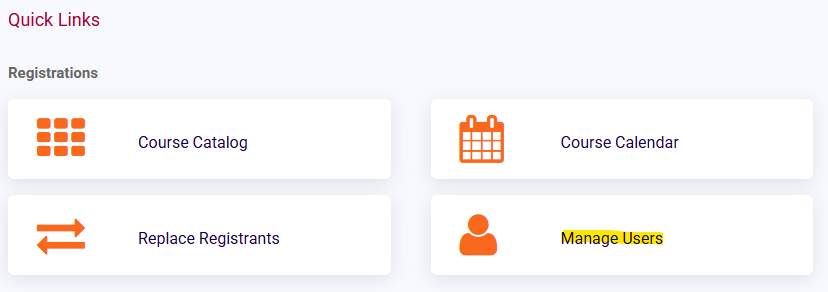
In the Training Portal, select Manage Users.
Select Create User
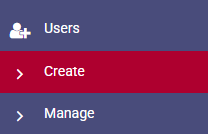
On the left-hand side under the user list, select Create User.
Fill Out the User Information Form
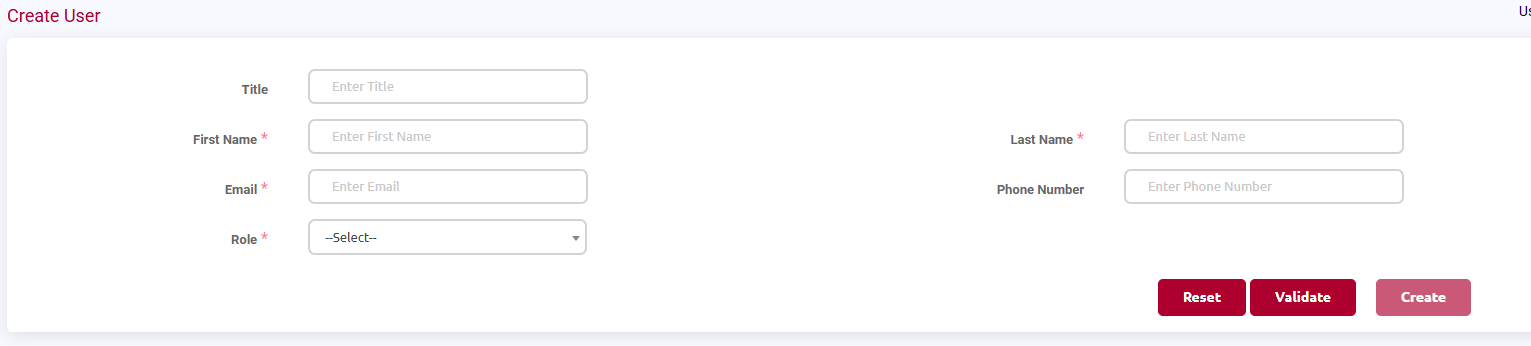
A user information form will appear.
Fill in all required fields.
Validate the User
When you first enter the information, the Create button will be grayed out.
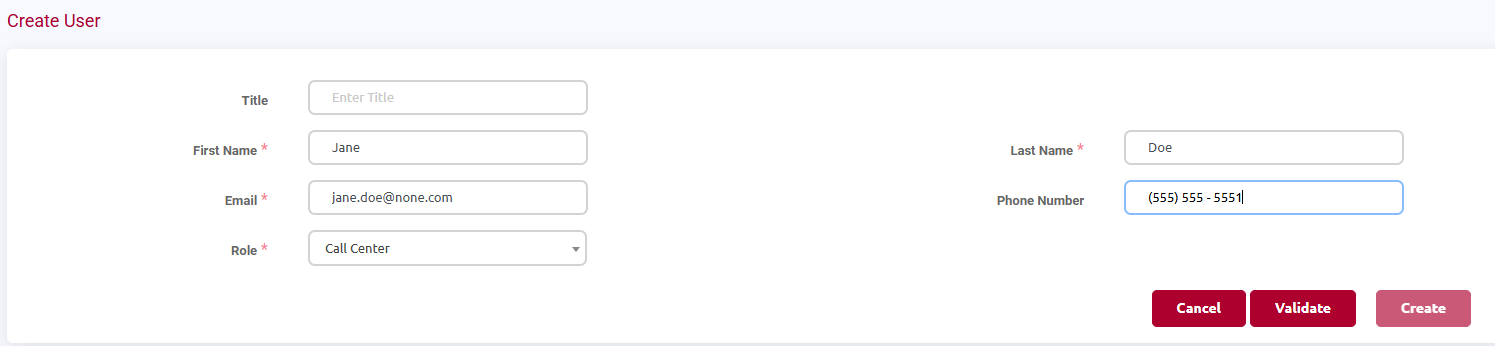
Select Validate.
This allows the system to check if the email address is already in use.
Create the User
After validation, the Create button will turn red.
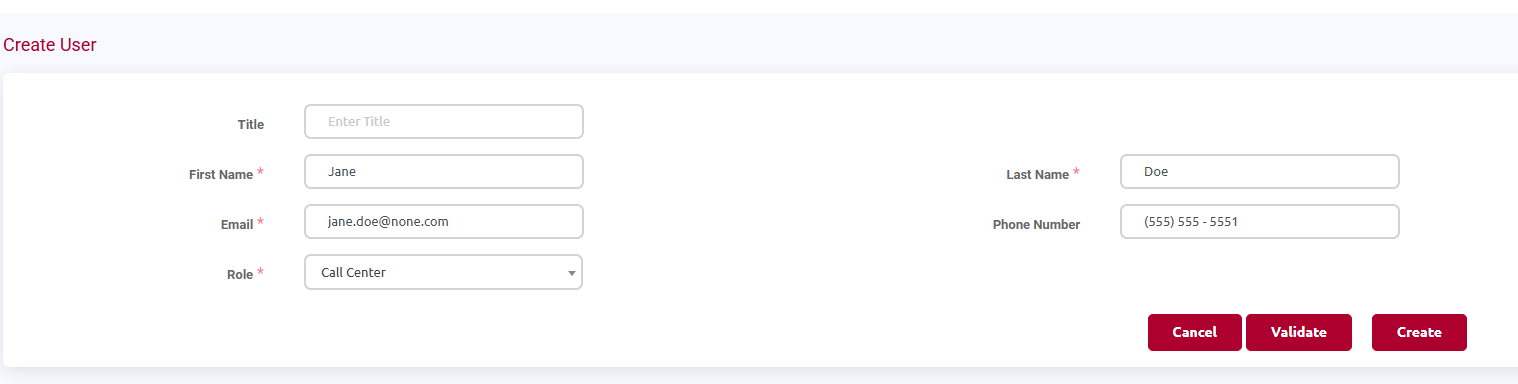
Select Create to create the user.
Confirm the User Was Created
A pop-up message will appear confirming the user was created.
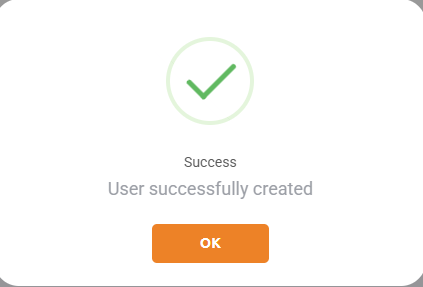
The user can now be added to training sessions.
Important Notes
Adding a user in the Training Portal does not create a Hub account.
This process only allows the user to be enrolled in training sessions.
If the person needs a Hub account, refer to the Create User article.