To complete the connection:
You must use QuickBooks Online (QBO)
You must log in as the admin user of your QBO account
We recommend your QBO account is set to Accrual accounting method for best reporting accuracy (see steps below)
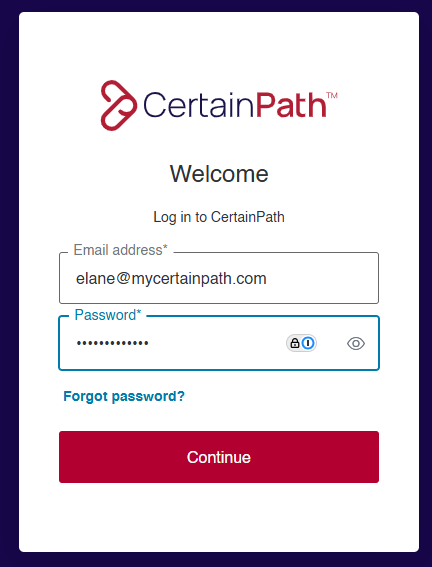
Go to hub.mycertainpath.com and sign in using your credentials to access Hub+.
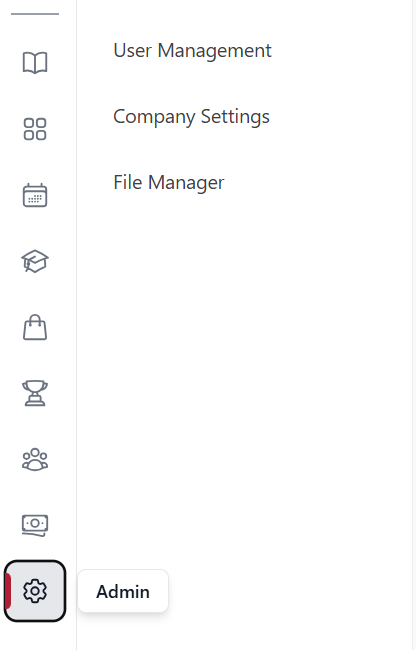
Navigate to the Company Settings Tab
On the Hub+ dashboard, locate and click the ‘Admin’ tab from the leftside panel. From here you will select ‘Company Settings’
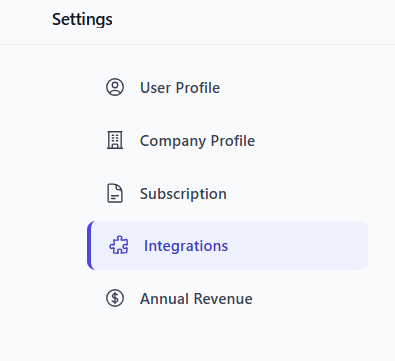
From here select the Settings tab labeled ‘Integrations’
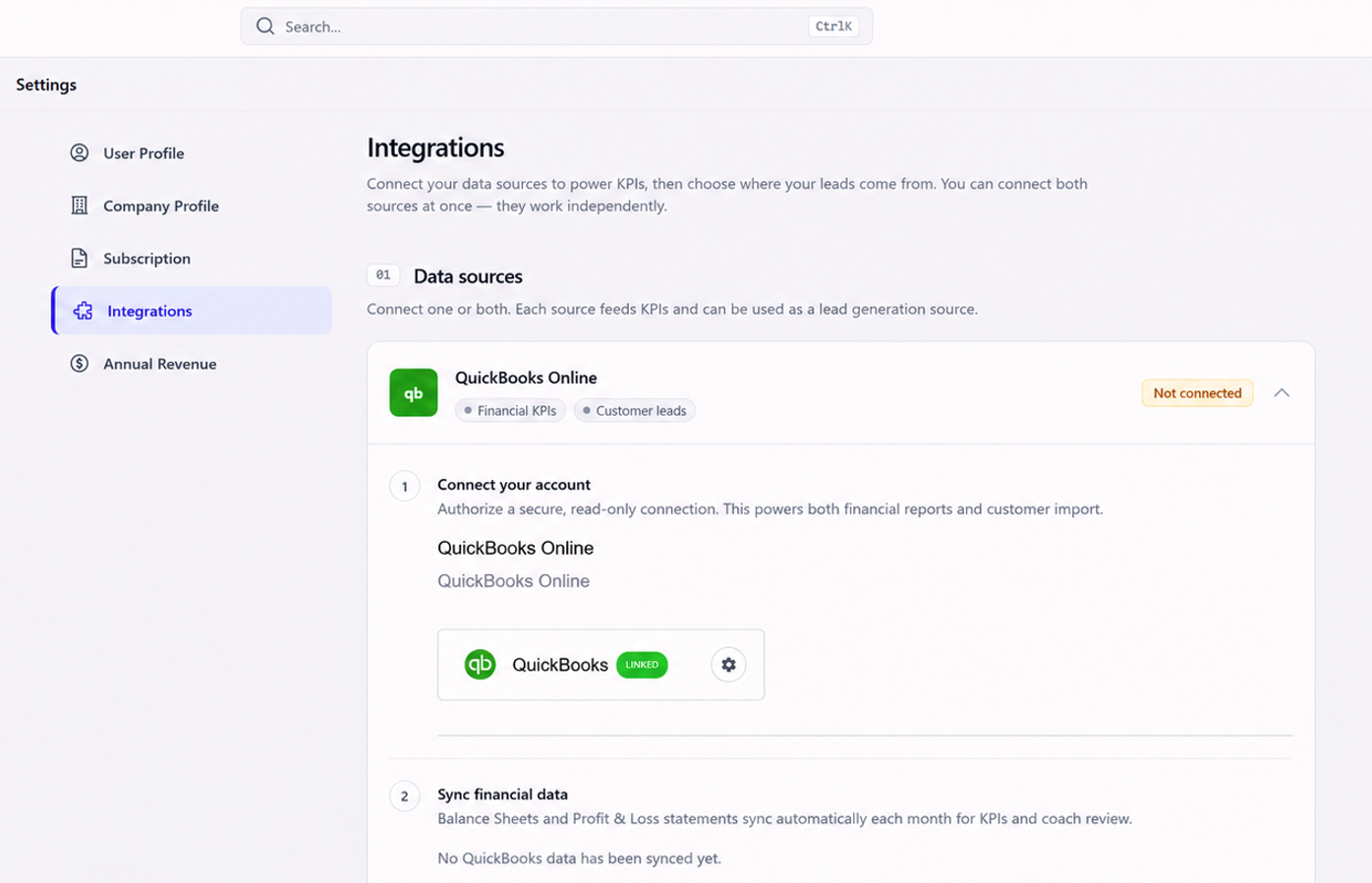
Initiate QuickBooks Online Connection
Under the ‘QuickBooks Online’ Data Sources section, click the plus (+) sign to initiate the connection process.
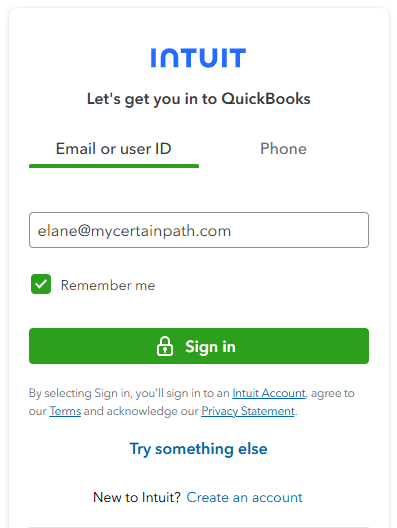
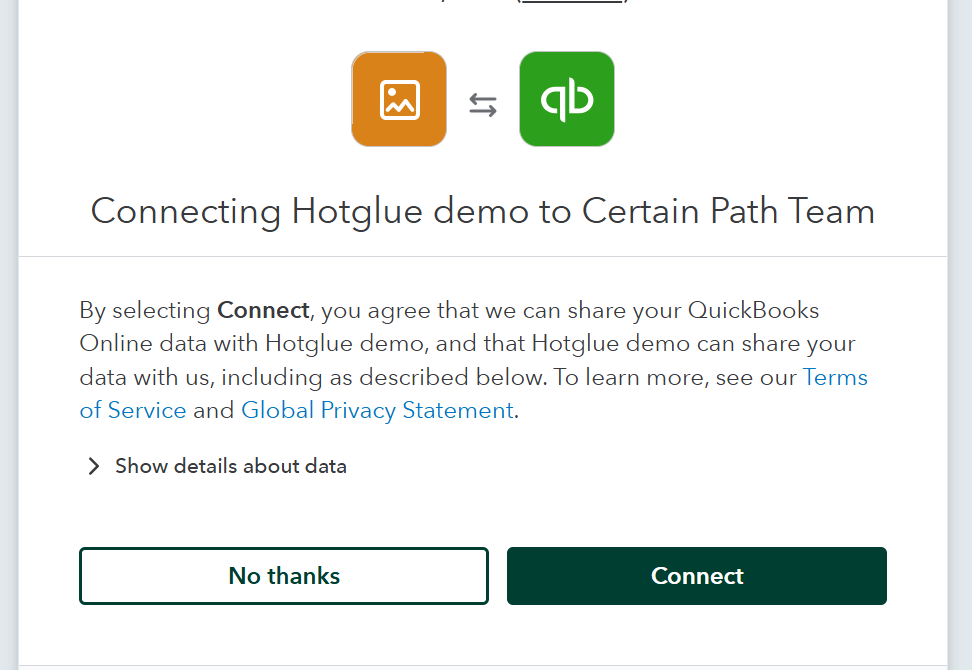
Authenticate QuickBooks Account
Enter your QuickBooks Online username and password.
Follow the on-screen prompts to complete authentication and establish the connection.
Access Document Library
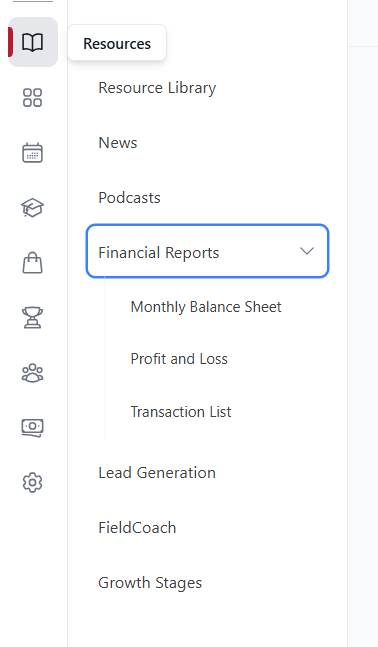
Once connected, Hub+ will automatically generate and store your Balance Sheet, Profit and Loss Summary, and Transaction List in the Financial Reports tab under the Resources section.
Usage Note:
The nightly generated reports enable coaches to review up-to-date financial summaries without needing manual document transfers from members.
Verification:
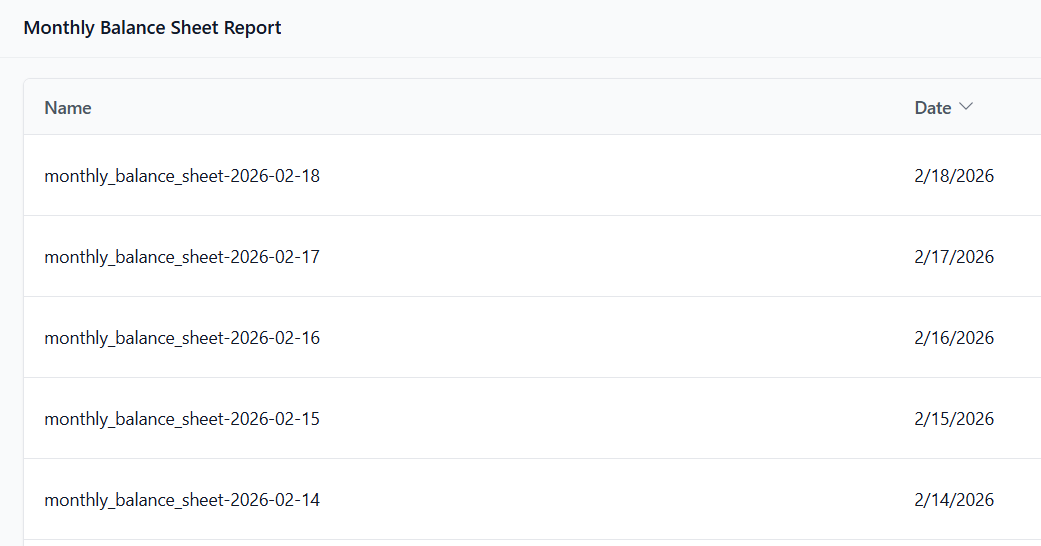
After setup, verify that reports are visible in the Financial Reports under the designated categories.
To ensure consistent and accurate reports in Hub+, we recommend your QuickBooks account is set to the Accrual method.
To verify or update your accounting method:
Click the Gear icon (⚙) in the top-right corner of QBO
Select Account and Settings
Go to the Advanced tab
In the Accounting section, click the Edit (✎) icon
From the dropdown, choose Accrual
Click Save, then Done
⚠ Reports may appear incomplete or inconsistent in Hub+ if the Cash method is selected.
Q: What if I see blank or incomplete reports?
A: Check that you’re using the Accrual method in QuickBooks and that your connection shows as "Linked" in Hub+.
Q: Can I use QuickBooks Desktop instead?
A: No, the Data Connector only supports QuickBooks Online at this time.
Q: How often are reports updated?
A: Reports are automatically synced once per day, overnight.
Q: Can I reconnect or switch accounts later?
A: Yes. Go back to Data Connector in Hub+ and remove the connection, then reauthorize a new QBO account.
Q: I’m not the admin of our QuickBooks account. Can I still connect it?
A: No. Only the admin user has the permission to authorize the connection to Hub+.
If the connection fails:
Verify that the QuickBooks credentials are correct.
Check for any QuickBooks Online service issues.
Contact support @ [email protected]
