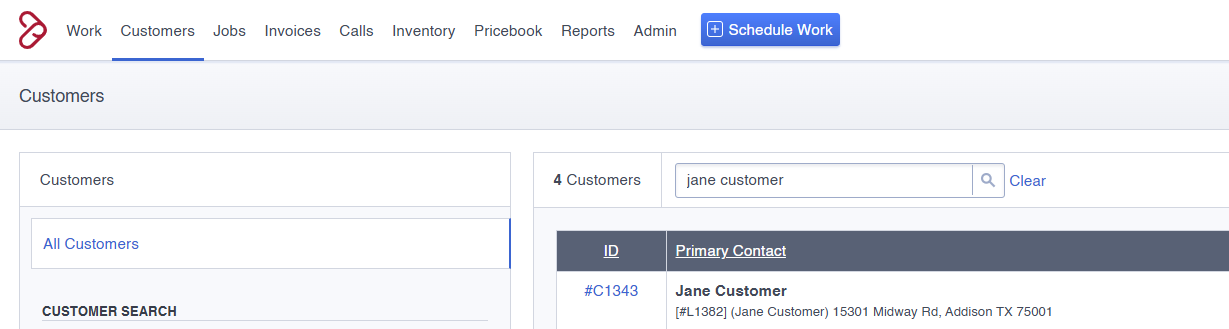
Navigate to the Customer tab and open the customer record.
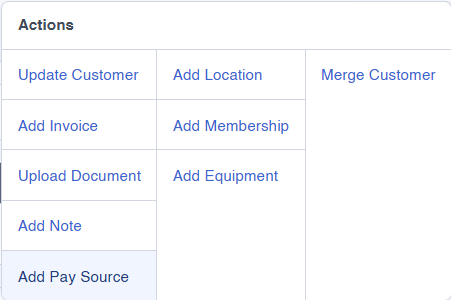
In the upper-right corner, click the “Actions” tab. From the menu, select “Add Pay Source.”

From the menu, select “Add Pay Source.”
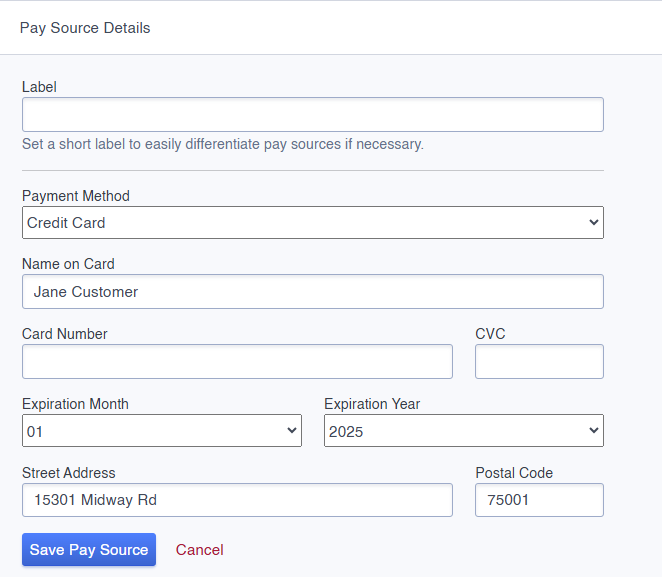
Complete all fields in the Pay Source Details section.
Note: The street address must be the billing address associated with the credit card. This may differ from the customer’s home address.
Once the pay source is saved, return to the “Actions” tab and select “Add Membership.”

In the Pay Source section, use the dropdown menu to select the newly added credit card or ACH information, then click Save Membership.

Following these steps ensures the pay source is properly added and each customer can be successfully charged.